Mastering the Art of Depth: A Comprehensive Guide to the Ballerina 3D Shadow Box Template
The world of paper crafting and laser cutting has evolved significantly, moving beyond simple flat silhouettes into immersive, multi-dimensional art. At the forefront of this trend is the Ballerina 3d Shadow Box Template, a digital asset designed to bring grace, movement, and depth to your creative projects. Whether you are a seasoned pro with a Cricut Maker or just starting out with a Silhouette Cameo, understanding how to leverage these layered vector files can transform a standard craft project into a stunning piece of wall art.
This article explores the intricacies of using the Ballerina Shadow Box Template, detailing its technical specifications, file compatibility, and practical applications for both hobbyists and professional designers.
Understanding the Design: Layers and Composition
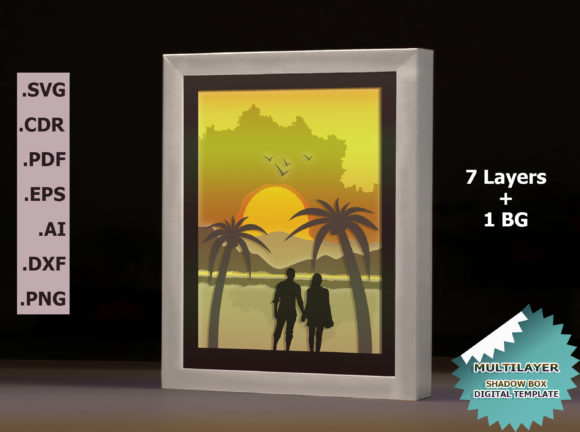
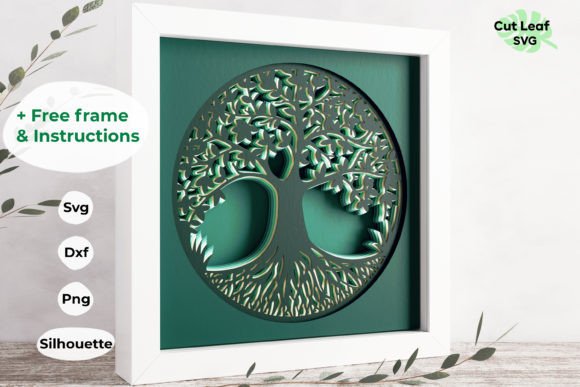
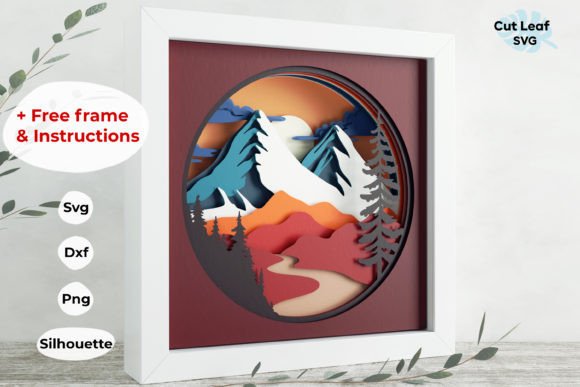
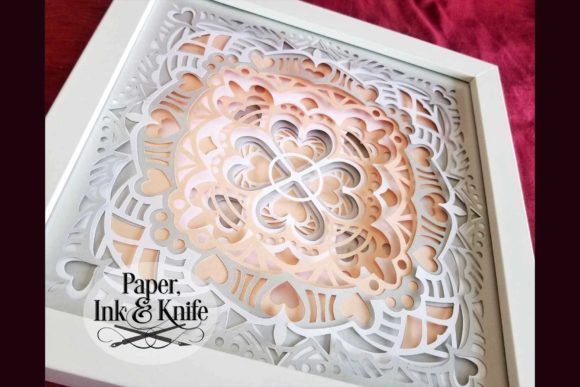
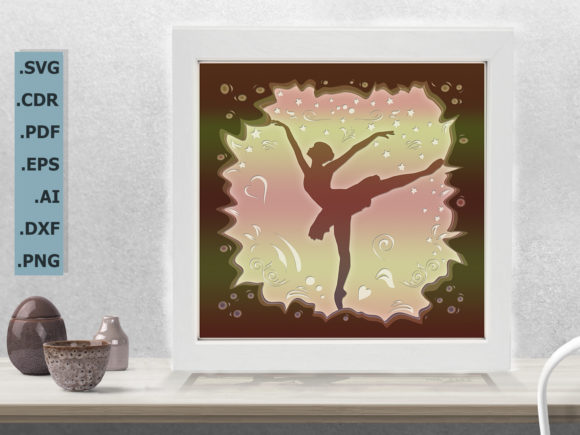
What sets the Ballerina 3d Shadow Box Template apart from standard SVGs is its structural complexity. This is not a single-layer cut; it is a meticulously engineered four-layer design. The template includes a background layer and three distinct foreground layers that create a parallax effect when assembled. This depth is crucial for achieving the "shadow box" aesthetic, where shadows cast by one layer onto another create a sense of volume and realism.
The design is optimized for frames sized at 8.5×8.5 inches (22×22 cm) or larger, though it scales beautifully to other dimensions like 5×5, 6×6, 7×7, or 10×10 inches. The flexibility in sizing allows creators to adapt the artwork to various display needs, from small desk ornaments to large gallery pieces. Each layer is provided in a separate file, which is a critical feature for precise alignment during the assembly process. By keeping the layers distinct, you have full control over spacing, allowing you to use spacers (such as foam tape or wooden standoffs) to adjust the distance between layers for different shadow intensities.
Technical Specifications and File Formats
One of the primary concerns for digital crafters is file compatibility. The Ballerina Shadow Box Template addresses this by offering a comprehensive suite of formats within a single ZIP download. This ensures that regardless of your machine’s software, you have access to the correct file type.
- Vector Cut Files: The package includes SVG, DXF, DWG, CDR, EPS, and AI files. These are essential for machines that rely on vector paths for cutting.
- Raster Image: A high-resolution PNG file is included for those who may need to trace the image manually or use it for non-cutting purposes like printing.
- Silhouette Studio Specifics: For users of Silhouette machines (Cameo, Cameo 2, Cameo 3, Cameo 4), the download includes a specialized .studio and .studio3 file, along with a .gsp file inside a SilhouetteStudio.zip folder. These native files allow for direct import without the need for conversion adjustments, saving time and ensuring perfect registration of cut lines.
This extensive format support makes the template versatile enough for a wide range of hardware, including Cricut, Silhouette, laser cutters, and even CNC routers. The inclusion of DWG and DXF files is particularly beneficial for those working with AutoCAD or laser engraving software, bridging the gap between paper crafts and industrial fabrication.
Workflow Integration: From Digital to Physical
Using the Ballerina 3d Shadow Box Template requires a structured approach to ensure the final product looks polished. Because the design relies on precise layering, the workflow differs slightly from single-layer cuts.
Preparation and Cutting
First, open the appropriate file format in your chosen software. If you are using Cricut Design Space, start with the SVG. For Silhouette Studio, utilize the .studio3 file for the smoothest experience. Import all four layers into your workspace. It is highly recommended to assign each layer a distinct color code in your software before sending it to the cutter. This visual cue helps prevent confusion when loading materials or sorting cut pieces later.
When cutting, consider the material choice. Heavy cardstock works well for maintaining structure, while thinner papers might require additional backing for rigidity. If you are using a laser cutter, acrylic or wood veneer can produce a striking, modern interpretation of the ballerina theme. Remember that the ratio of the image must be retained during resizing. While you can scale the design up or down (e.g., from 8x8 to 10x10), distorting the aspect ratio will ruin the proportions of the dancer’s pose.
Assembly and Framing
The magic happens during assembly. Lay out your four cut layers in order. Typically, the largest layer serves as the base or background, providing a frame for the inner elements. Use double-sided foam tape or adhesive spacers between the layers. The thickness of these spacers dictates the depth of the shadow. Thicker spacers create deeper, more dramatic shadows, enhancing the 3D effect, while thinner spacers keep the layers closer together for a subtler look.
Place the layered assembly into a deep-frame shadow box. Ensure the glass or acrylic front is clean to avoid distracting reflections that can obscure the intricate details of the ballerina’s tutu and limbs. The result is a lightbox-style effect where light passing through the layers highlights the silhouette against the background.
Practical Applications and Creative Variations
The versatility of the Ballerina 3d Shadow Box Template extends beyond traditional home decor. Here are several scenarios where this digital asset shines:
- Nursery Decor: The elegant and whimsical nature of a ballerina figure makes it an ideal centerpiece for a child’s bedroom. Using pastel-colored cardstocks—soft pinks, blues, and creams—can create a soothing yet visually engaging nightlight effect when paired with LED string lights behind the back layer.
- Dance Recital Gifts: For dance studios or individual performers, custom shadow boxes serve as memorable keepsakes. You can personalize the background layer with the dancer’s name, recital date, or specific choreography notes, turning a generic template into a heartfelt gift.
- Event Invitations: High-end wedding or gala invitations can incorporate smaller versions of this design. Die-cutting the layers and adhering them to heavy stock invites adds a tactile luxury that standard print cannot match.
- Laser Engraved Memorials: In a more somber context, the delicate lines of the ballerina can be engraved into wood or acrylic as a tribute. The multi-layer aspect allows for complex shading techniques if the laser settings are adjusted per layer.
Considerations for Success
While the digital file simplifies the creation process, success depends on attention to detail. First, always perform a test cut on scrap material to verify the blade depth and pressure settings. Intricate details in the ballerina’s dress or hair can tear if the cut is too aggressive or fail to release if the pressure is too low.
Secondly, manage your expectations regarding the "digital-only" nature of the product. As clearly stated, this is a Ballerina 3d Shadow Box Template consisting of digital files. No physical frame, paper, or pre-cut shapes are shipped. The value lies in the instant access to professional-grade vectors that you can reproduce infinitely. This scalability is a major advantage for small business owners looking to sell finished shadow boxes at craft fairs or online marketplaces like Etsy.
Finally, embrace the learning curve. The first few attempts may require tweaking the spacer heights or adjusting the alignment. However, once you master the workflow, the ability to produce consistent, high-quality 3D paper art becomes second nature. The inclusion of a tutorial in the download folder provides step-by-step guidance, but experimenting with different color combinations and lighting setups is where true creativity flourishes.
Conclusion
The Ballerina 3d Shadow Box Template represents a fusion of artistic design and technical precision. By offering multiple file formats, clear layer separation, and scalable dimensions, it caters to a broad spectrum of creators. Whether you are adding dimension to your home decor or creating unique gifts for loved ones, this template provides the tools necessary to bring a graceful, three-dimensional vision to life. With the right materials and a careful assembly process, the limitations of flat paper disappear, replaced by the dynamic interplay of light, shadow, and form.